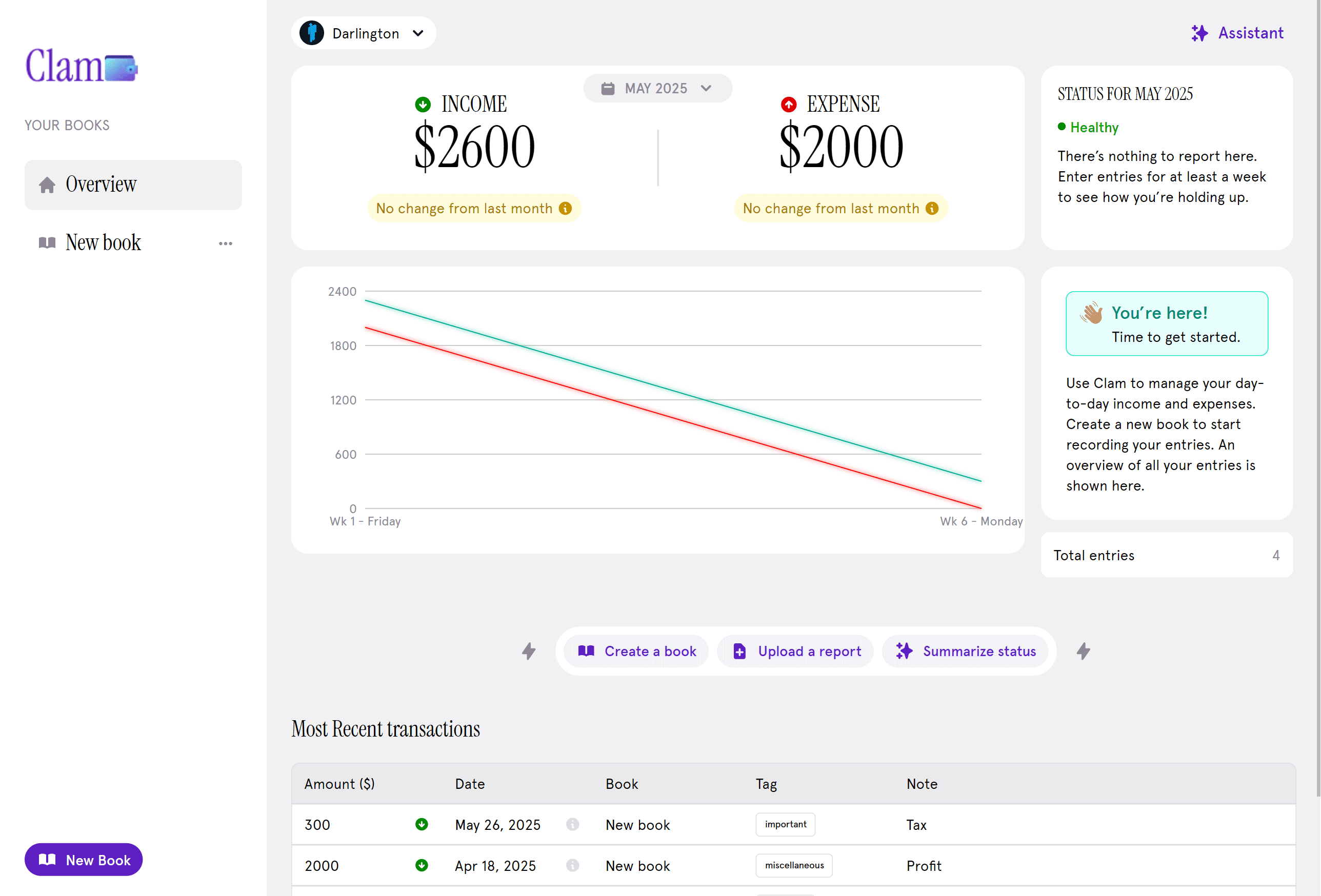
Devling
Devling is a modern, role-based content publishing platform designed for dynamic article management and community engagement. Built with Next.js and TypeScript, it offers a structured system where content is organized into categories, each containing multiple articles and categorized for better discovery. The platform supports a multi-role hierarchy — Readers (unauthenticated users) can explore content freely and drop anonymous comments. Members (authenticated users) can comment with their identity visible, and also receive direct email messages from admins. Admins are elevated members who can write articles, manage categories, and oversee user engagement, though only Super Admins can publish their work. Super Admins have full control — managing everything from content publication and comment moderation to blocking users by email or IP, promoting or demoting admins, and deleting posts or comments when necessary. Creating new content is effortless — from the Overview page, users can easily create categories by clicking the “New Category” button, which opens a popup with fields for a name, description, and preview image. Once created, the category becomes available app-wide. Publishing an article instantly makes it visible on the user’s side, while featuring an article highlights it prominently on the hero section of the home page, giving admins and super admins flexible control over content visibility. Devling blends clean design, functional depth, and role-based access control to create a professional-grade publishing experience — perfect for teams, communities, or individuals who want a platform that’s simple for readers but powerful for creators and moderators.
Year
2025
Service
Web Dev
Category
Blog
Framework
Next.js
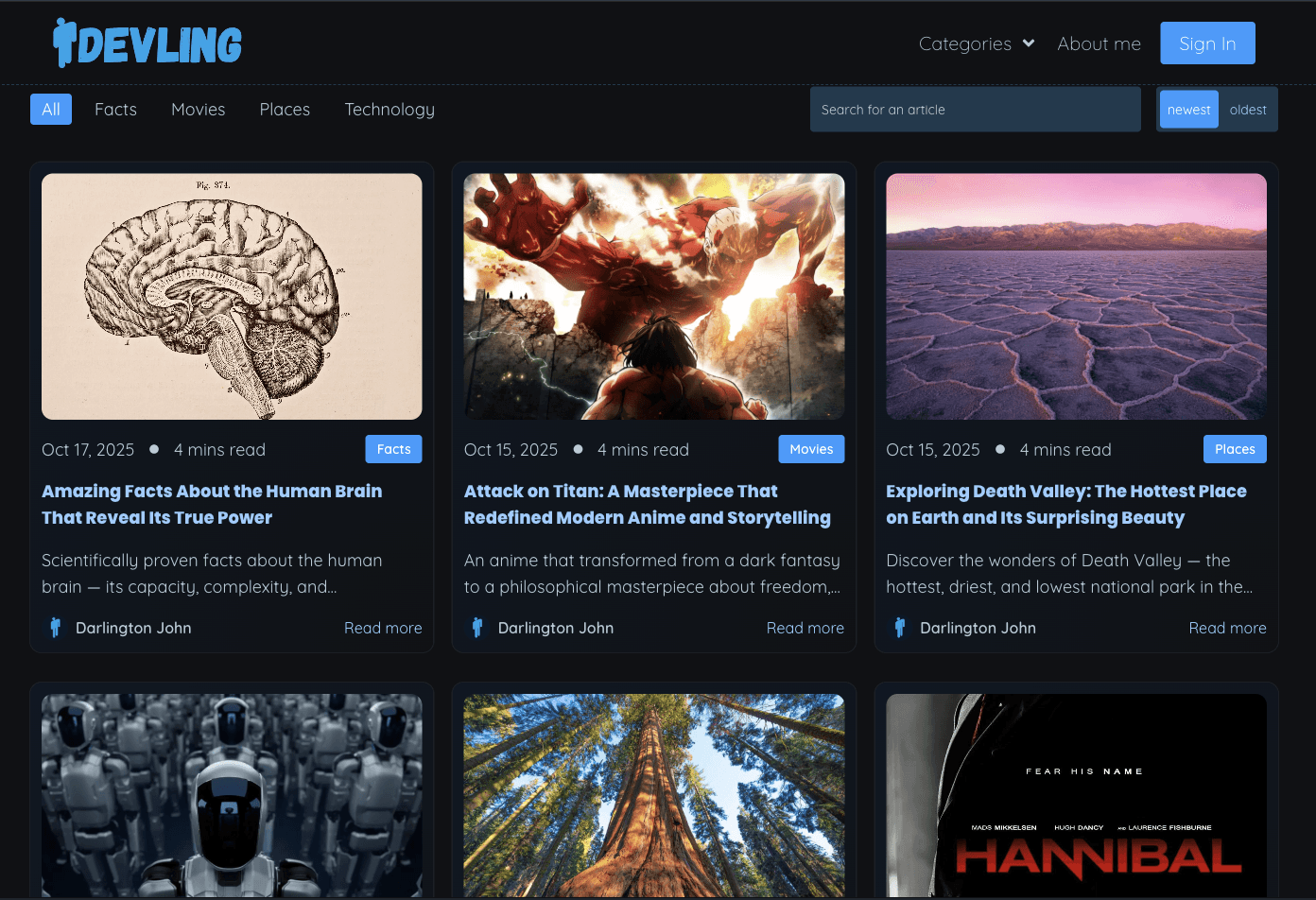
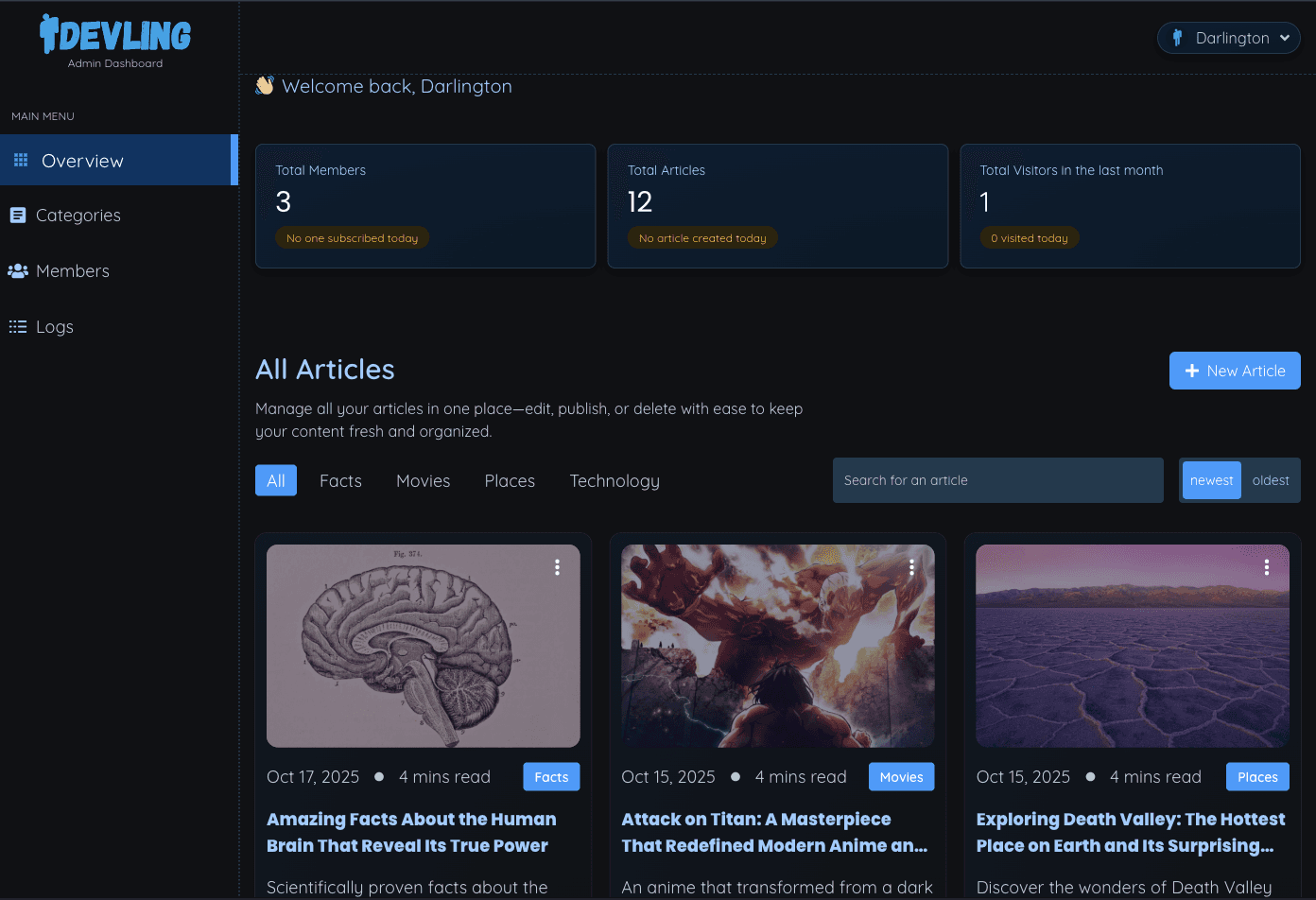
This section showcases all articles — whether fetched by default, searched, or filtered. To optimize performance and minimize load time, only essential fields required for display are fetched from the database. Heavier fields, such as the full article content, are intentionally excluded to ensure faster response times.
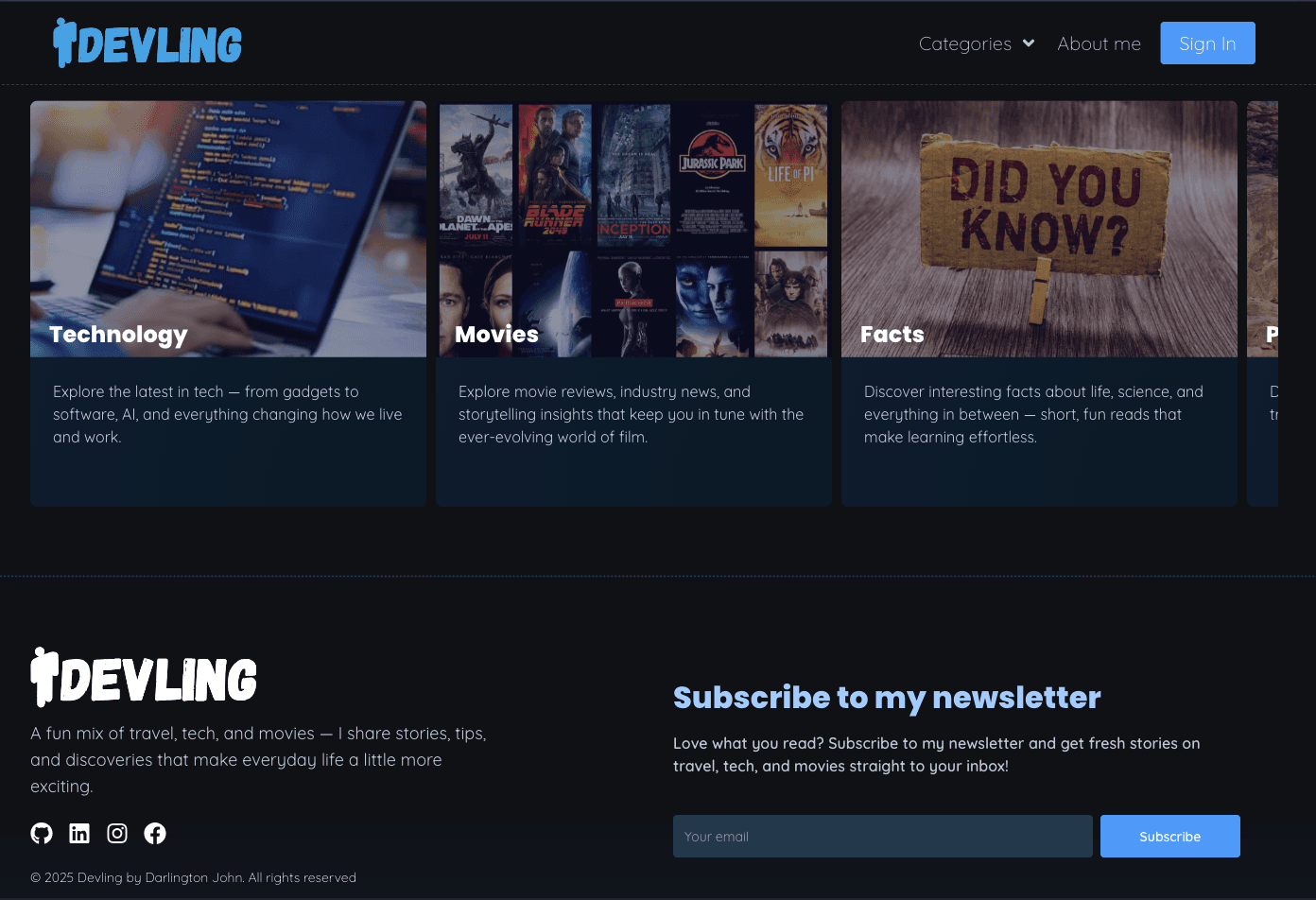
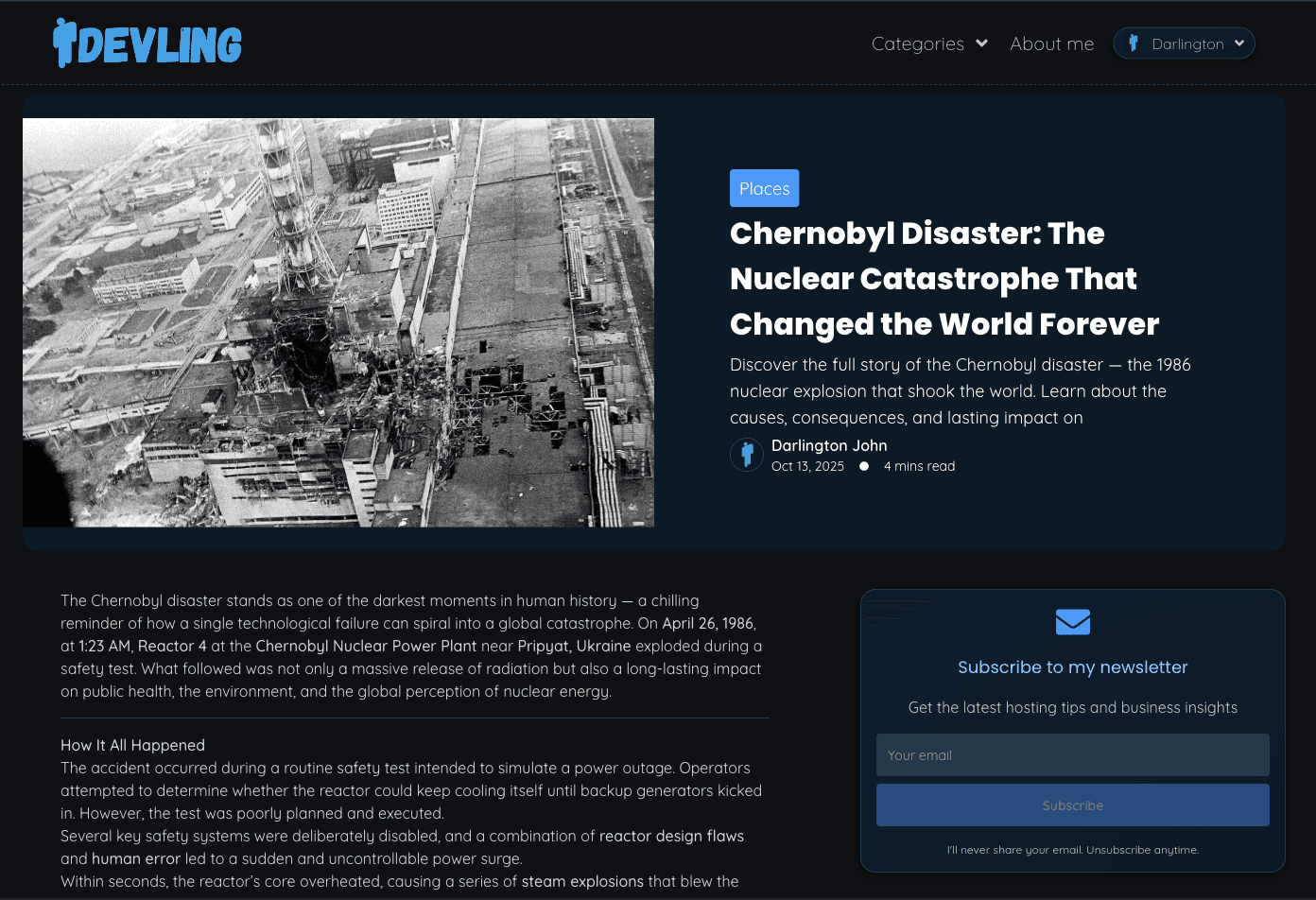
The Categories section displays all the available categories in the app, each with its own image and description. Clicking on any category navigates you to its individual category page, which lists all the articles that belong to that category.
Newsletter Subscription
Includes a newsletter subscription form where users can enter their email address to subscribe.
Upon clicking Subscribe, users receive a confirmation message indicating that they’ve successfully subscribed.
If the email is already subscribed, a warning message appears notifying the user that the email is already on the list.
Once subscribed, users automatically receive an email notification whenever a new article is published. The email includes the article’s title, description, and cover image, along with a direct link to read the article.
For full description of the project please view: https://docs.google.com/document/d/11GrUlIZ_P1D3Dm3UCcKmEFEA6FrmP-goJr_YRybFK20/edit?tab=t.0